Adobe Audition, Reaper, and Pro Tools all work perfectly fine for voice over. The software you choose will have almost zero impact on the quality of your final product. I've used all three professionally over twenty-plus years, and clients have never once asked me which DAW I recorded their spot in. They care about the sound, the timing, the interpretation. The program that captured it is as relevant to them as the brand of chair I was sitting in.
And yet voice over forums are full of endless debates about which DAW is superior. People treating software choice like a religious denomination. So let me save you some time with an actual breakdown of what matters and what doesn't.
The dirty secret nobody admits
Pro Tools has been the industry standard in music production and post-production since the 1990s. That's a fact. But here's what that actually means for voice over: almost nothing.
For music production with dozens of tracks, complex MIDI routing, and advanced mixing requirements, Pro Tools makes sense. For recording a single voice? You're using maybe 5% of what the software can do. It's like buying a semi truck to pick up groceries.
A 2023 survey by Sound on Sound found that among audio professionals working primarily in voice over, only 34% used Pro Tools as their primary DAW. The rest split between Audition, Reaper, Logic, and others. The "industry standard" applies to industries with different needs than ours.
Reaper: the $60 option that works
Reaper costs $60 for a personal license. Pro Tools costs around $300 per year on subscription. Adobe Audition runs about $260 annually through Creative Cloud.
Reaper does everything I need for voice over. Recording, editing, noise reduction (with free plugins like ReaFir), export to any format. The learning curve is steeper than Audition's, and the interface looks like it was designed by engineers who hate graphic designers. But it works.
I know voice over artists making six figures who use nothing but Reaper. I know others who swear by Audition. The common denominator among successful voice over professionals is never the software—it's the interpretation, the room treatment, and the ability to take direction without complaint.
Adobe Audition's actual advantage
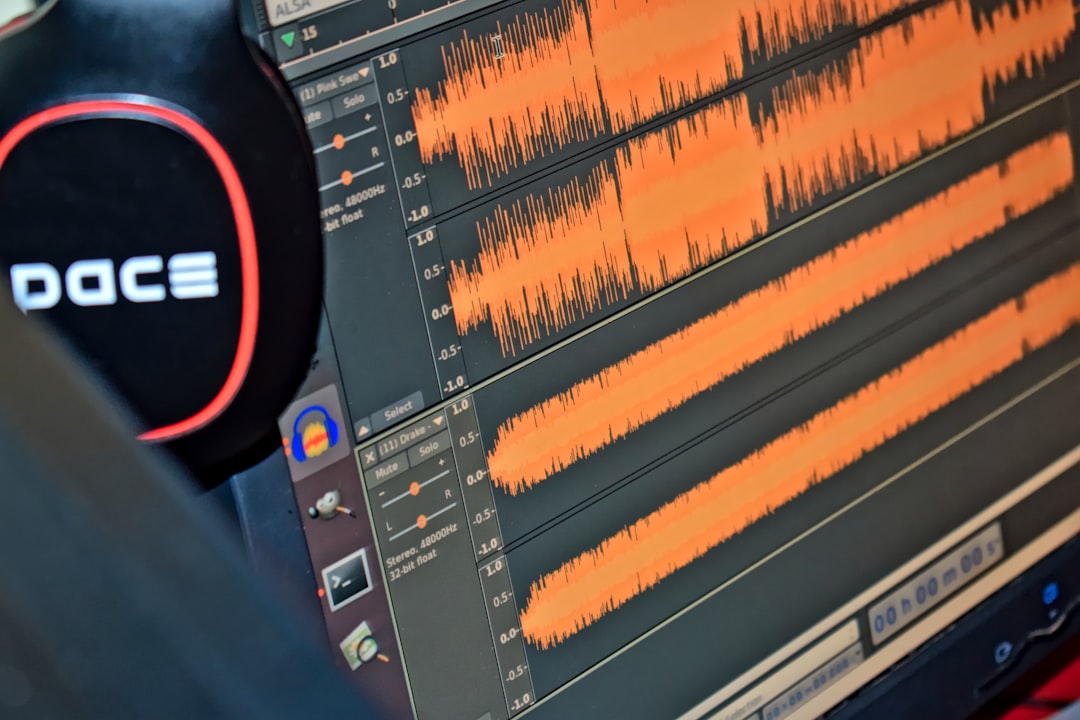
Audition excels at one thing: destructive editing for single-track audio. Which is exactly what voice over usually requires.
Have you ever tried to do a quick punch-in fix in Pro Tools versus Audition? Pro Tools wants you to think about regions, crossfades, track lanes. Audition lets you highlight a section and re-record over it in two seconds. For voice over workflow, that speed adds up across a hundred sessions per year.
The spectral frequency display in Audition is also genuinely useful. Mouth clicks, those tiny wet sounds that plague every voice over artist, show up visually and can be erased with precision. Pro Tools requires third-party plugins like iZotope RX to do the same thing. (Though honestly, if you're doing serious audio repair work, you probably want iZotope anyway regardless of your DAW.)
Pro Tools matters for one scenario
If you're doing Source Connect sessions with major studios or advertising agencies, they sometimes request Pro Tools compatibility for session files. This happens maybe 10% of the time in my experience.
But here's the thing—they're not asking because Pro Tools sounds better. They're asking because their mixing engineer is going to open your session in Pro Tools, and cross-DAW compatibility can create headaches with plugin settings and automation.
The workaround is simple: deliver stems and raw audio files. Any competent post-production house can work with wav files regardless of what captured them. I've never lost a job because I didn't deliver a Pro Tools session file. I've had exactly one client in twenty years request it specifically, and they were fine with stems once I explained.
The subscription trap
Adobe and Avid both want you locked into yearly subscriptions. Reaper offers a perpetual license. According to industry analyst reports from 2024, subscription fatigue is real—audio professionals increasingly cite recurring costs as a major factor in software decisions.
Over five years, Pro Tools costs roughly $1,500 in subscriptions. Audition runs about $1,300 if you're only subscribing to the single app. Reaper costs $60 once, with optional $60 upgrades every few years.
For a working voice over artist doing the math, those subscription fees add up. And they buy you capabilities you'll never use for voice over work. The extra tracks, the surround sound mixing, the advanced MIDI features—all irrelevant when you're recording one voice at a time.
What actually affects your sound
Your room acoustics matter more than your DAW. A treated room with proper absorption panels will make a $200 microphone sound better than an untreated room with a $3,000 microphone.
Your microphone matters more than your DAW. The difference between a Rode NT1 and a Neumann U87 is audible. The difference between recording that Neumann in Reaper versus Pro Tools is not.
Your preamp matters more than your DAW. Your interface matters more than your DAW. Your interpretation of the script matters infinitely more than your DAW.
I wrote about this in more detail when discussing why interpretation always beats equipment in voice over. The technology is a tool. The performance is the product.
My actual workflow
I use Adobe Audition for most voice over work. Record directly into the program, do quick edits, export. Total processing time for a 30-second spot after recording is about two minutes.
For longer form content like e-learning or audiobooks, I sometimes switch to Reaper because its batch processing and marker systems work better for multi-file projects. Same microphone, same room, same sound.
When a client sends me a Pro Tools session to add voice over to, I open it in Pro Tools, record, and send it back. The three programs coexist on my machine without conflict, and I use whichever one makes sense for the specific job.
The forum debates are missing the point
Voice over artists love discussing gear because gear is tangible. You can buy it, photograph it, show it off. Software screenshots make for good social media posts.
But the actual work of voice over—understanding a brief, making script adjustments when the Spanish runs 30% longer than English, delivering multiple reads that give the client real options—none of that happens in your DAW. It happens in your preparation, your experience, and your ability to serve the project rather than your ego.
A 2022 Nielsen study on advertising effectiveness found that voice over quality correlated with brand recall at statistically significant levels. "Voice over quality" in that study was measured by listener perception of authenticity and emotional connection. Zero participants mentioned anything related to production software. The human response to human voice doesn't pass through a DAW comparison filter.
The recommendation you actually need
If you're starting out, get Reaper. Learn it. Record your demo on it. Book work with it. If you find yourself wanting Audition's workflow features after a year of professional work, get Audition. If a major client specifically requires Pro Tools session files—and only then—consider Pro Tools.
Your software choice will never be the reason you don't book a job. Your accent might be. Your interpretation might be. Your room sound might be. Your DAW matters less than you think, and worrying about it is time better spent practicing your reads or treating your recording space.
The best DAW for Spanish voice over—or any voice over—is the one you know well enough to operate without thinking about it. So you can focus on the only thing clients actually care about: how you sound.
Need a Spanish voice over for your next project? Get in touch and I'll get back to you within the hour.