Your DAW choice in voice over is one of the least important decisions you'll make. I've delivered spots for Ford, Netflix, and Amazon using software that ranges from $600 to free, and nobody has ever asked which one I used. Nobody has ever noticed. The file arrives, it sounds professional, the client is happy. That's it.
The online forums are full of voice over newcomers agonizing over Pro Tools versus Reaper versus Adobe Audition versus Logic. They spend weeks researching, watching comparison videos, reading feature lists. Meanwhile, the actual work that pays the bills gets done in whatever software the person already knows how to use quickly and reliably.
Pro Tools Won't Fix a Bad Read
Here's what I've learned in 20+ years of recording: a mediocre interpretation recorded in Pro Tools sounds mediocre. A great interpretation recorded in Audacity sounds great. The performance is the product. The DAW is just the container.
I started with a $100 microphone and whatever free software came bundled with my audio interface. Work came in. That work paid for better gear. Better gear came later, after I could afford it because clients were hiring me for how I sounded, not for my equipment list.
A 2022 survey by the Audio Engineering Society found that professional audio engineers could reliably distinguish between different microphones in blind tests, but struggled to identify which DAW was used for a given recording when the same processing was applied. The software is largely invisible in the final product. What matters is what goes into the microphone.
The Client Has Never Asked
In two decades of delivering voice over to advertising agencies, production companies, and direct clients, the conversation about my DAW has come up exactly zero times during the actual hiring process. They ask about my accent, my availability, my rate, my turnaround time, and whether I can hit the tone they need.
But which software I use to record and edit? Never.
And that makes sense. When you order food at a restaurant, you care about how it tastes, not which brand of knife the chef used to chop the vegetables. The tools serve the craft. The craft is what gets judged.
What Actually Matters in the Recording
The hierarchy of importance in voice over recording goes something like this: interpretation first, then microphone technique, then acoustic treatment, then the microphone itself, then the preamp, and somewhere way down at the bottom, the DAW. Have you ever listened to an old radio commercial from the 1970s and thought "that sounds wrong because they didn't have Pro Tools"? Of course not. The technology was different, but a good read still sounded good.
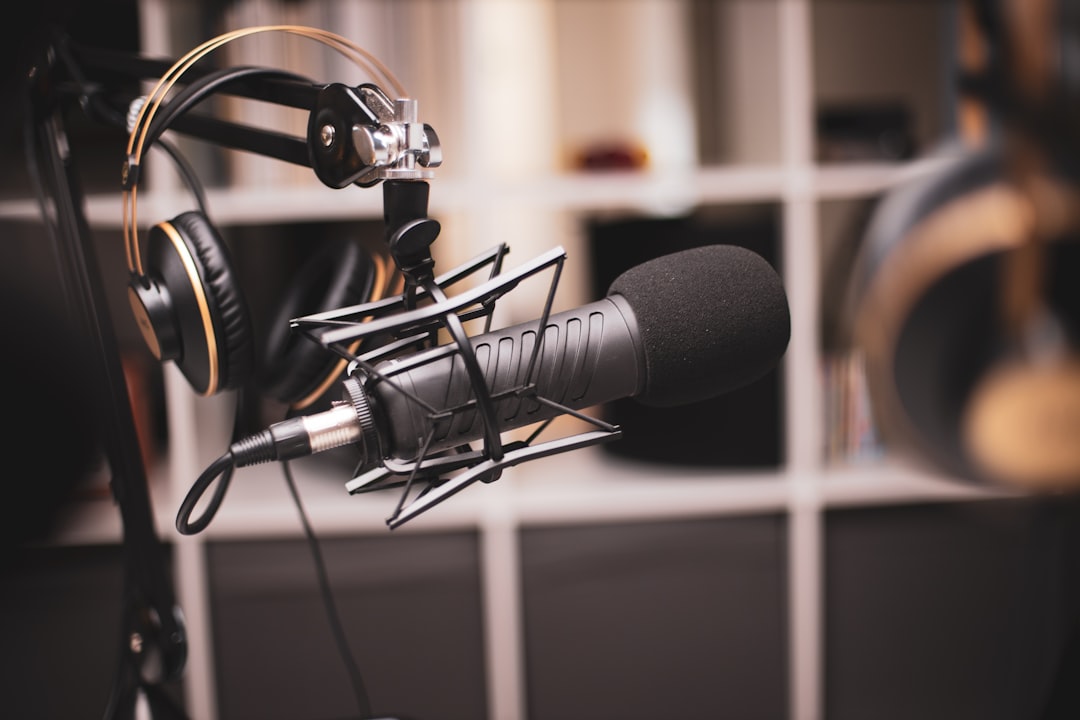
Your room matters more. A $50 dynamic microphone in a properly treated space will outperform a $3,000 condenser in an untreated bedroom with hard walls and a window air conditioner running. I've heard demos recorded on Neumann U87s that sounded like garbage because the room was a reflective nightmare. Work buys gear — gear doesn't buy work. That principle applies to software just as much as it applies to hardware.
The Features You'll Actually Use
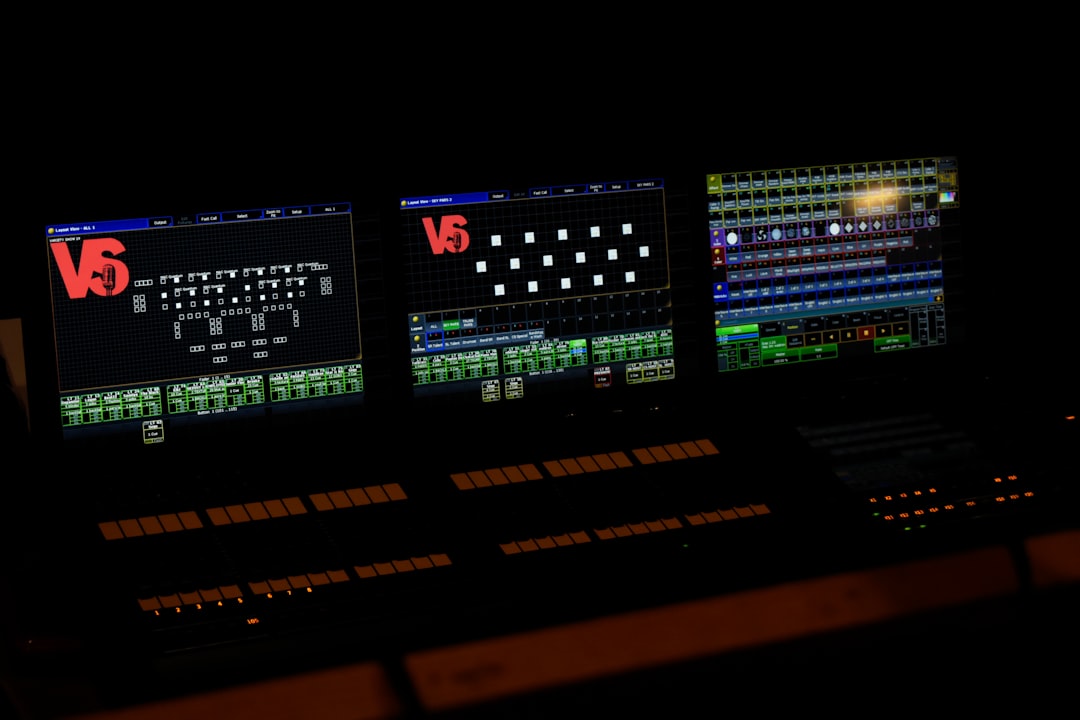
Most DAWs have about a thousand features. In voice over, you'll use maybe fifteen of them regularly: record, stop, punch in, cut, paste, normalize, maybe a little EQ, maybe a noise gate, export. That's basically it. The remaining 985 features are designed for music production, film scoring, podcast editing with multiple guests, or other applications that have nothing to do with recording a single voice into a microphone.
Reaper costs $60 for a personal license. Audacity is free. Pro Tools starts at $299 per year. Adobe Audition requires a Creative Cloud subscription. And the files they all export? Identical WAV files that sound exactly the same when played back. The client receives a 48kHz/24bit WAV regardless of which software created it.
(I know voice artists who swear by GarageBand, which comes free with every Mac. Their clients include Fortune 500 companies who have no idea and would not care if they found out.)
When Software Choice Does Matter
There are specific situations where your DAW choice becomes relevant. If you're doing live directed sessions over Source Connect, the talent and the client both need compatible software configurations, and some DAWs integrate more smoothly than others. If you're doing long-form audiobook narration with punch and roll, certain DAWs handle that workflow better. If you're editing your own audio extensively before delivery, the editing workflow differences between software packages can add up to real time savings over hundreds of projects.
But for the standard commercial voice over workflow — receive script, record, light edit, deliver — the DAW is interchangeable.
The Gatekeeping Nobody Talks About
There's a weird form of gatekeeping in voice over circles where people imply you need Pro Tools to be taken seriously. This is nonsense. It's also suspiciously convenient for Avid's sales numbers.
According to a 2023 survey by Backstage, 47% of working voice actors reported using Audacity or other free software as their primary DAW. Among those earning over $50,000 annually from voice over, 31% still used free or low-cost software. The correlation between expensive software and professional success is weak at best.
What correlates much more strongly with success is the ability to interpret a script naturally, take direction well, deliver on time, and sound like a real person having a real conversation rather than someone reading words off a page. None of those skills require specific software.
Learn One Well, Then Stop Thinking About It
My actual advice: pick whatever DAW feels intuitive to you, learn it thoroughly enough that you can work quickly and fix common problems, and then stop thinking about it forever. The time you save not agonizing over software comparisons is time you can spend practicing interpretation, auditioning for work, or actually recording projects that pay.
The voice over artist who can deliver three nuanced variations of a read in 20 minutes will always beat the voice over artist who has perfect mastery of Pro Tools but only one interpretation in their repertoire. Clients hire voices, not software licenses.
And the gear forums will keep arguing about plugins and sample rates while the working professionals quietly deliver their files in whatever software they learned first, cash their checks, and move on to the next project.
Need a Spanish voice over for your next project? Get in touch and I'll get back to you within the hour.