Monitoring headphones and studio monitors serve completely different purposes in voice over, and using the wrong one at the wrong moment will cost you time, retakes, and sometimes the entire session. I've watched voice over artists with gorgeous microphones and perfectly treated rooms deliver unusable audio because they couldn't hear what they were actually recording. The monitoring question isn't secondary to the recording chain — it's part of it.
Here's the short answer: headphones for recording, monitors for editing and review. But the long answer involves understanding why, and what happens when you ignore the distinction.
Headphones during recording are non-negotiable
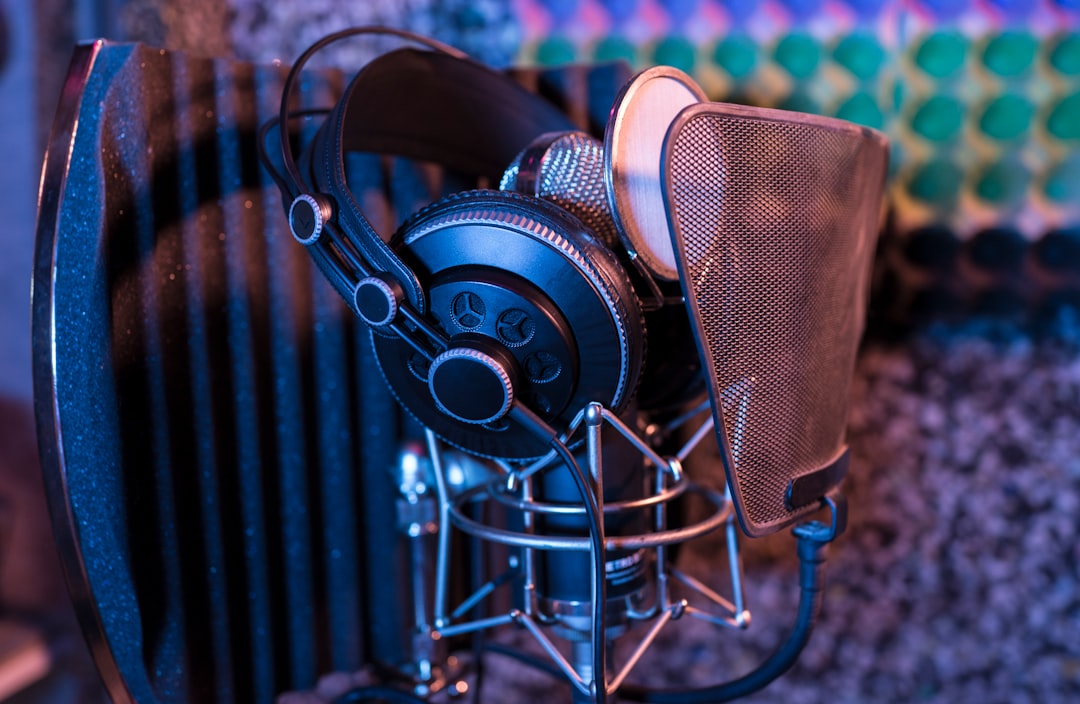
When I'm recording, I wear closed-back headphones. Always. The reason is simple physics: if sound from monitors bleeds into the microphone, you're recording your monitoring along with your voice. A Sennheiser HD 280 Pro or an Audio-Technica ATH-M50x will isolate well enough that your microphone only captures what it should — your voice, in a treated space, with no artifacts from playback.
Open-back headphones sound better for music listening. They have a wider soundstage, less ear fatigue over long sessions, more natural frequency response. And they're completely useless for voice over recording because they leak sound directly into your condenser microphone. I've received files from voice over artists who recorded with open-backs and you can hear the script playback underneath their voice. Unusable.
The isolation requirement also applies when recording to picture or against music. If the client sends a rough cut with the music bed they want me to match, I need to hear it without the microphone hearing it. Closed-back headphones solve this. Monitors don't.
Studio monitors reveal what headphones hide
Headphones lie to you in specific ways. They exaggerate low-frequency detail because the drivers are pressed against your ears. They create an artificial stereo image that doesn't exist in the real world. And they can make a room problem sound like a voice problem.
Studio monitors placed correctly in a treated room show you what the audio actually sounds like when reproduced through speakers. That matters because most people will hear your voice over through speakers — laptop speakers, phone speakers, TV speakers, car audio systems. According to Edison Research's Infinite Dial 2023 report, 53% of podcast listening happens on speakers rather than headphones. Your monitoring should reflect how your audience will hear the final product.
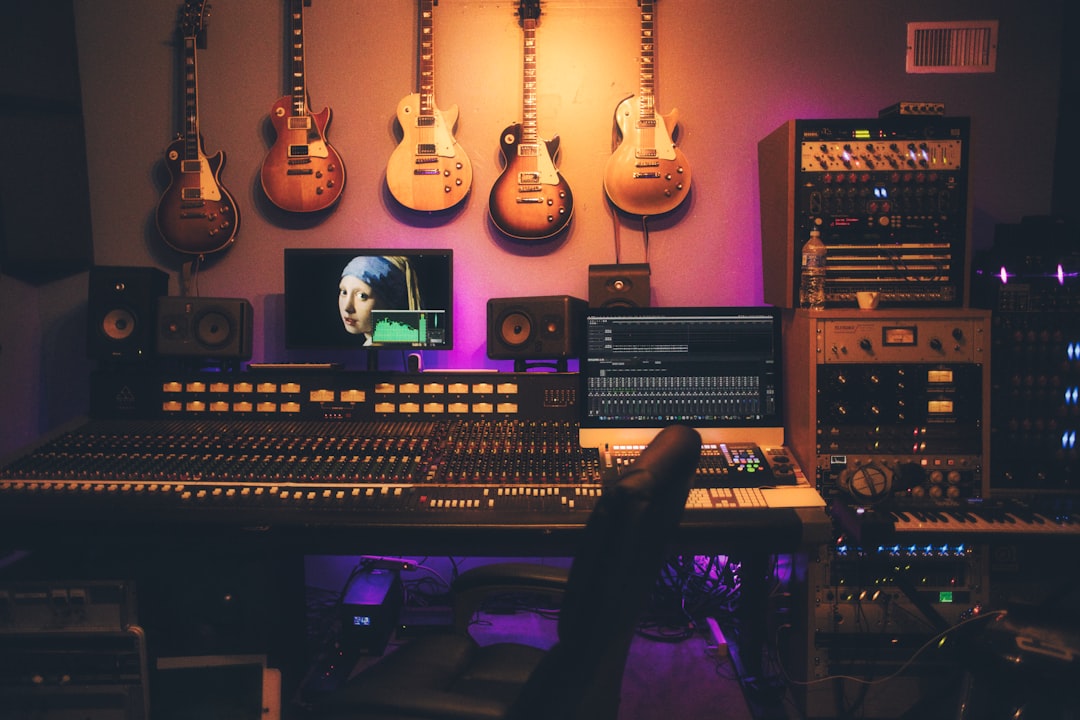
When I edit, I switch to monitors. I use a pair of Yamaha HS5s positioned in a triangle with my listening position. They're flat enough to reveal problems — mouth noise, room resonance, plosives that seemed fine on headphones — without flattering the audio. If something sounds good on these monitors, it will translate to most playback systems.
The room problem nobody wants to admit
Here's where the conversation gets uncomfortable. Have you ever listened to your own recording on monitors and wondered why it sounded worse than on headphones? The monitors aren't lying. Your headphones were.
Most home studios have untreated monitoring environments. The voice over artist invests in acoustic treatment for the recording space (which is correct), but then listens back in an untreated room where reflections and standing waves color everything they hear. The monitors are accurate, but the room isn't, so the combination produces misleading information.
If you're going to use studio monitors for critical listening, the monitoring position needs treatment too. Bass traps in the corners, absorption at first reflection points, diffusion on the back wall. Otherwise you're hearing your room as much as your recording. (This is why so many professional voice over artists end up with headphones as their primary monitoring tool for everything — it's simpler than treating two spaces.)
What closed-back headphones should cost
A decent pair of closed-back monitoring headphones costs between $99 and $199. The Sennheiser HD 280 Pro runs about $99. The Audio-Technica ATH-M50x is around $149. The Beyerdynamic DT 770 Pro sits at $159. Any of these will work.
Do not buy consumer headphones with bass boost or "enhanced" frequency response. Beats headphones will make your voice sound like it has more low end than it does. Sony consumer headphones often have a V-shaped EQ curve that scoops the midrange — exactly where human voice lives. You need flat response, which means professional monitoring headphones, not lifestyle products.
The price ceiling for headphones that matter in voice over is surprisingly low. Spending $500 on a pair of Audeze planar magnetic headphones won't improve your voice over. It might improve your music listening experience, but that's a different conversation.
When monitors actually matter in voice over
For solo voice over work with no video or music reference, you can complete entire projects without ever touching studio monitors. Record with closed-back headphones, edit with closed-back headphones, deliver. Done.
Monitors become valuable in three scenarios.
First, when you're mixing voice with music or sound design. Headphones give an artificially separated stereo image that doesn't represent how the mix will sound on speakers. If you're delivering a produced piece rather than raw voice, monitors help you balance levels correctly.
Second, when you're reviewing final masters for clients. Listening on monitors lets you hear what the client will hear on their laptop or conference room speakers. This is more about quality control than production.
Third, when you're detecting room problems in your recordings. Monitors in a treated space reveal low-frequency buildup and room modes that headphones mask. If your recordings consistently sound muddy or boxy, checking them on monitors will clarify whether the problem is your room, your mic placement, or something else entirely.
The hybrid workflow that actually works
Here's what I do, and what I recommend to anyone serious about voice over production.
Recording: closed-back headphones, always. I wear my HD 280 Pros for every session, whether I'm recording to picture, against music, or working from a script with no reference. The microphone only hears my voice.
Editing: I start with headphones for detail work. Removing mouth clicks, cleaning up breaths, editing timing. Headphones let me hear fine details at lower volumes without fatiguing my ears.
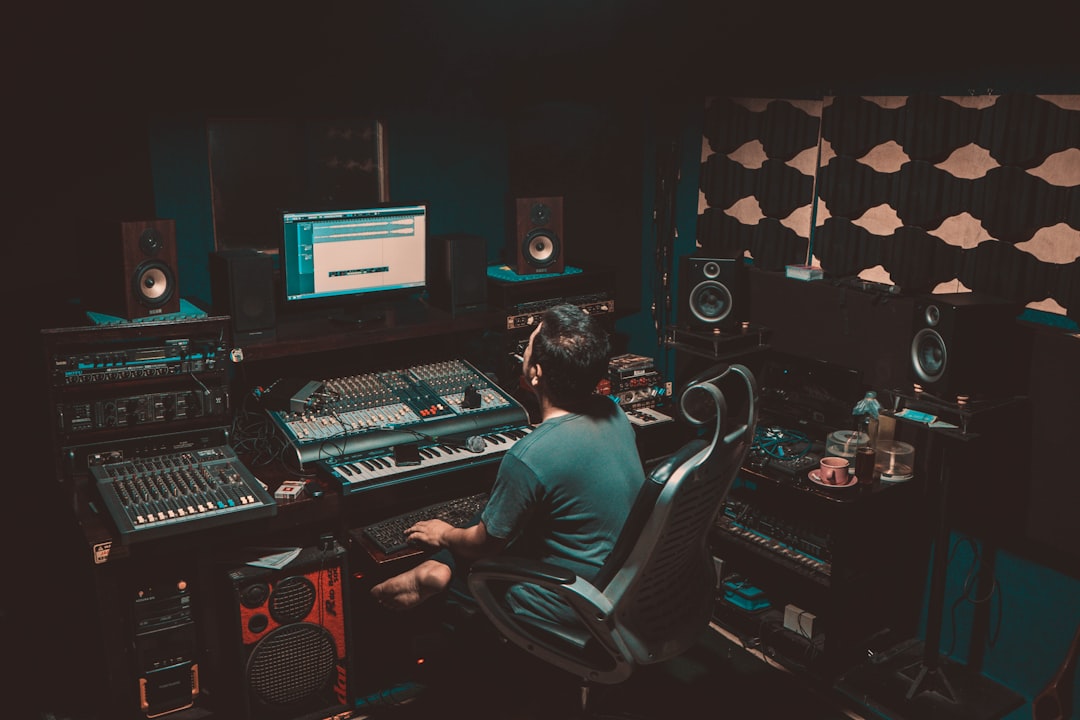
Review: I switch to monitors for a final pass. This catches problems I missed on headphones and confirms the audio will translate to speaker playback. If something sounds off on monitors, I investigate. Usually it's a room problem I introduced during recording.
Delivery: One more headphone pass to confirm everything is clean, then export.
This workflow takes an extra five minutes per project. It's caught problems that would have required re-records.
The budget reality for working voice over artists
You can start voice over with a $100 microphone and a $99 pair of headphones. I did. That equipment won't hold you back from booking work — interpretation and marketing will determine your bookings long before gear becomes a limiting factor.
But if you're going to add one piece of gear to a basic setup, closed-back monitoring headphones should come before studio monitors. Monitors require room treatment to be useful. Headphones work immediately, in any space, with no additional investment.
When you eventually add monitors, expect to spend another $300-500 on the monitors themselves and potentially that much again on treatment for your listening position. It's an investment that makes sense once you're earning consistently from voice over, and not before. Gear doesn't buy work — but once you have work, the right monitoring setup protects the quality of what you deliver.
The monitoring mistake that kills sessions
The worst monitoring mistake I see is voice over artists who record without any monitoring at all. They set levels, hit record, perform the entire script, and only listen back after they've finished. By then, any problems — room noise, mic position drift, audio dropouts, clipping — have ruined the entire session.
Monitor while you record. Even if you're not recording to picture, listen to yourself in real-time through your headphones. You'll catch problems immediately instead of discovering them in post.
And if your DAW introduces latency that makes real-time monitoring uncomfortable, enable direct monitoring on your audio interface or use a monitoring solution that bypasses the computer entirely. The slight degradation in what you hear is worth avoiding the alternative: discovering your best take was unusable because of a problem you could have fixed in the moment.
Need a Spanish voice over for your next project? Get in touch and I'll get back to you within the hour.