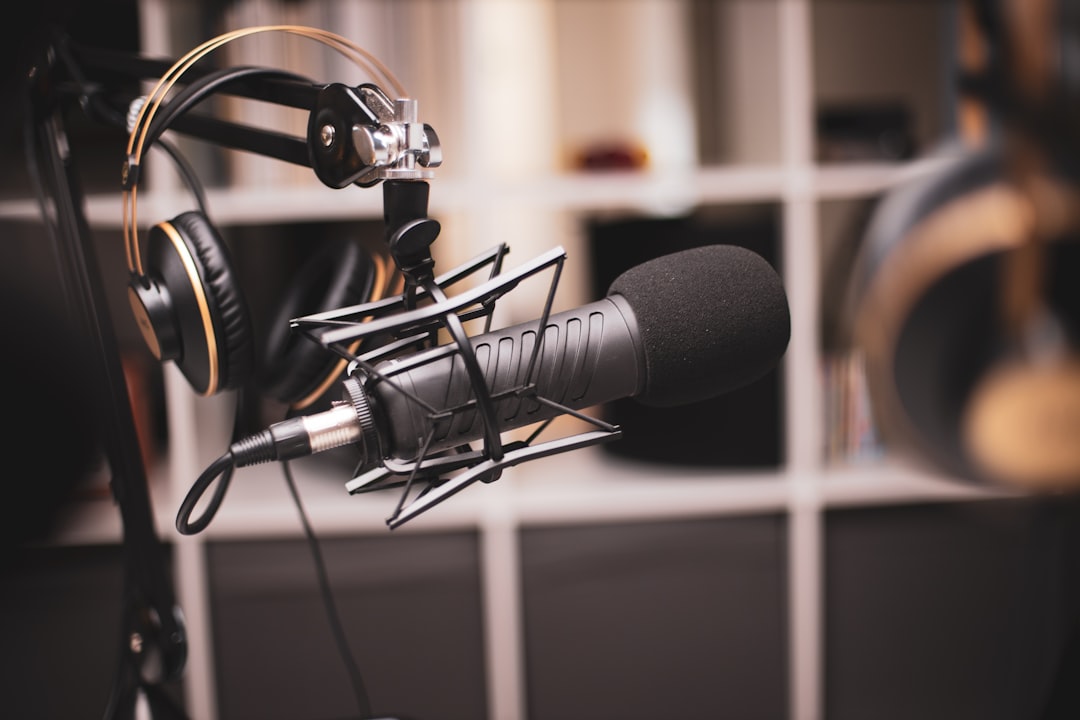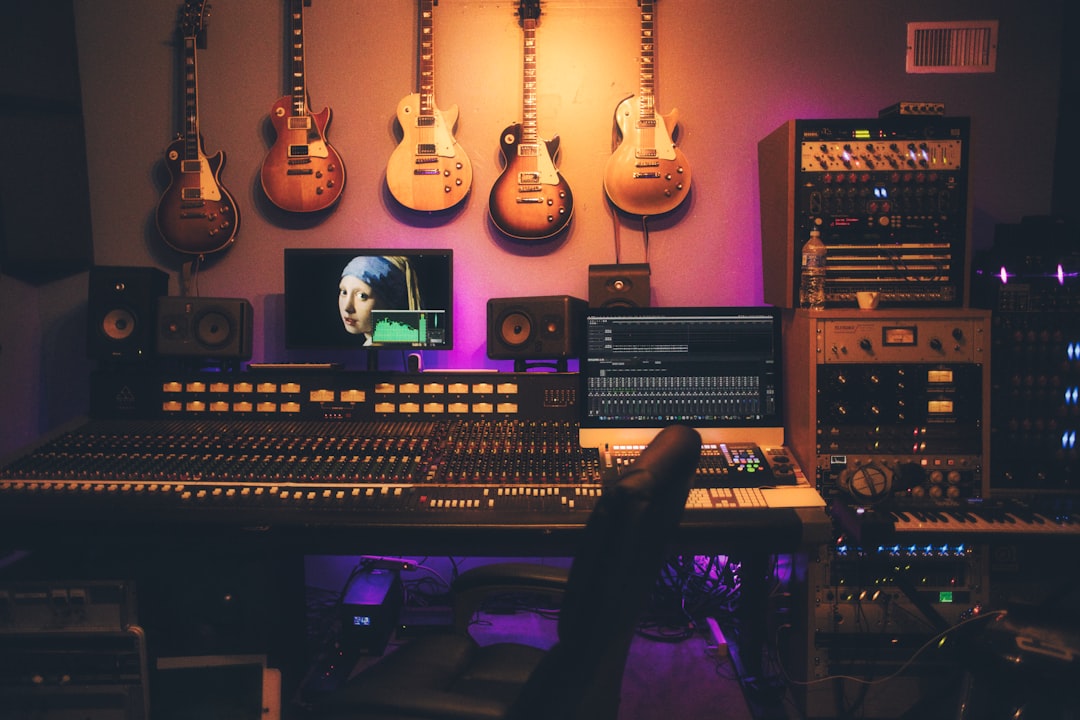
The audio interface vs USB mic question for voice over has a boring answer: it depends on where you are in your career and what you're actually doing. I've recorded for Coca-Cola, Nike, and Netflix with gear that would make audio snobs weep, and I've also delivered broadcast-quality files with setups that cost less than a nice dinner. The gear matters less than you think until suddenly it matters a lot.
Here's the short version. If you're starting out, a USB mic is fine. If you're booking consistent professional work, an interface gives you options you'll eventually need. The long version is more interesting.
USB Mics Actually Work
A decent USB microphone in 2025 can produce audio that passes broadcast standards. The Audio-Technica AT2020USB+, the Rode NT-USB Mini, the Blue Yeti (in the right mode, which nobody uses correctly) — all of these can deliver clean recordings. According to a 2023 Sweetwater survey, USB microphones now represent over 40% of all microphone sales, driven largely by podcasting and content creation. That's a lot of people recording audio that sounds perfectly acceptable.
The technology has improved dramatically. Modern USB mics have better preamps built in, lower noise floors, and higher-quality converters than their predecessors from even five years ago. I've heard USB recordings that sound better than XLR recordings made with cheap interfaces and mediocre preamps.
So why would anyone buy an interface?
The Flexibility Problem
An audio interface opens doors that USB keeps closed. You can swap microphones without buying an entirely new setup. You can add a hardware preamp for coloration or gain. You can monitor with zero latency through the interface rather than through your DAW. You can run multiple microphones if needed.
But here's the thing — do you actually need any of that?
If you're recording voice over for clients, you probably have one microphone that works for your voice, and you use it for everything. You're not swapping capsules between sessions. You're not experimenting with tube preamps for warmth. You're showing up, reading the script, and delivering the files. A USB mic handles that workflow just fine.
The flexibility argument becomes real when something breaks. If your USB microphone dies, the whole signal chain is dead. If your XLR microphone dies, you swap it for another one and keep working. Have you ever had a client waiting on a file while you troubleshoot a hardware failure? It's not a fun phone call.
Where USB Falls Short
Source Connect.
That's the dividing line for many professionals. The industry standard for remote directed sessions requires ASIO drivers on Windows or Core Audio routing on Mac that USB microphones sometimes handle badly. Latency becomes an issue. Audio routing becomes a puzzle. And when a client at Ford or Amazon is paying for a directed session, you cannot be the person troubleshooting driver conflicts while the clock runs.
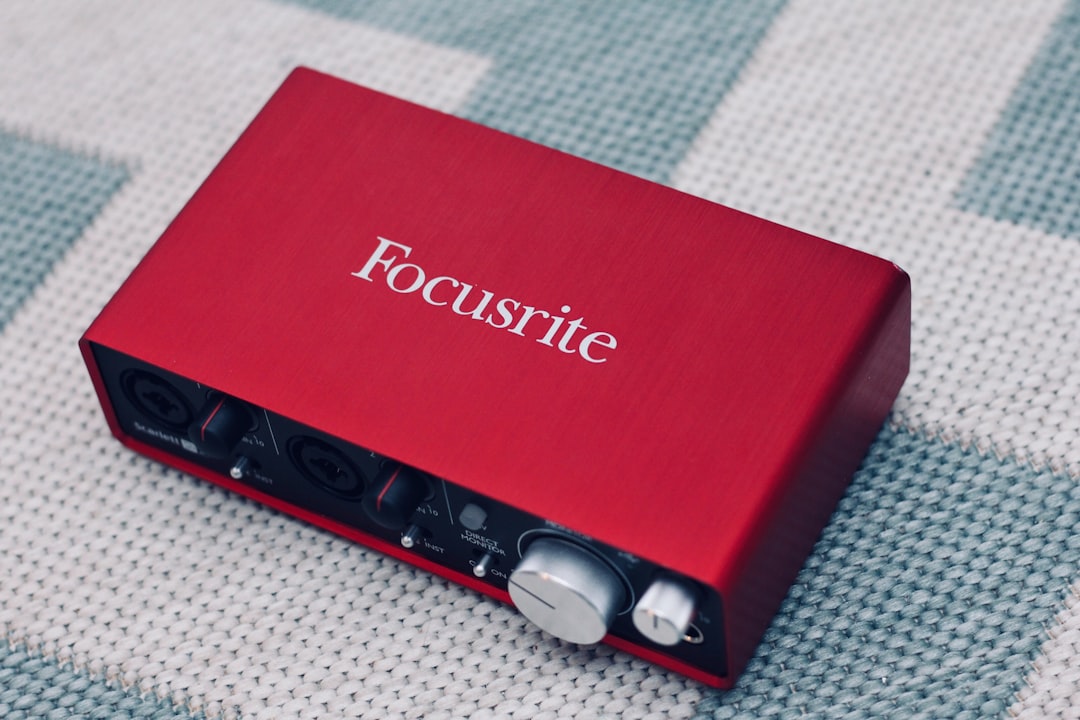
A proper interface with dedicated drivers eliminates this category of problems. My Focusrite runs Source Connect sessions without any configuration beyond the initial setup. Plug in, route the audio, hit record. (The first time I tried running Source Connect through a USB mic, I spent 45 minutes on what should have been a 10-minute test — never again.)
The Preamp Question Nobody Asks Correctly
People obsess over preamps in audio forums. Neve this, API that, tube warmth, transformer saturation. And for music production, those differences matter. For voice over, they matter much less than treatment and technique.
A 2022 study from the Audio Engineering Society tested listener perception of preamp coloration in spoken word recordings. The results: untrained listeners could not reliably distinguish between a $3,000 preamp and a $150 interface preamp when the recordings were properly gain-staged and the room was treated. Trained engineers could identify differences, but they couldn't agree on which sounded "better."
Your interface preamp is probably fine. Your USB mic preamp is probably fine. What you need to worry about is whether the room sounds like a room or like a treated space, and whether your gain is set correctly so you're not adding noise or clipping.
What I Actually Use
I run a Focusrite Scarlett 2i2 into a Neumann TLM 103. Sometimes I use a Sennheiser MKH 416 for projects that need that particular character. The interface cost around $150. The microphones cost more than most people's entire setups.
But I started with a $100 Audio-Technica AT2020 (the USB version) plugged directly into my laptop, recording in a closet lined with moving blankets. Work bought the gear I have now. The gear didn't buy the work. If I had waited to book jobs until I had "professional" equipment, I'd still be waiting.
The Real Hierarchy
Room treatment beats everything. A treated room with a USB mic will sound better than an untreated room with a Neumann. This hierarchy exists regardless of what any gear manufacturer tells you.
After treatment comes technique — mic placement, distance, angle, knowing your voice. Then comes the microphone itself. Then comes the preamp. Then comes the converters. By the time you're debating converters, you're in territory where the differences are measurable but not always audible.
Most people spend in exactly the wrong order. They buy an expensive interface before treating the room. They buy a $1,000 microphone and record in their kitchen. The results sound expensive and amateur at the same time.
When to Actually Upgrade
Upgrade when you have a specific problem the upgrade solves. If Source Connect sessions are part of your regular workflow, you need an interface. If you're booking enough work that a microphone failure would cost you real money, you need backup options that USB doesn't provide. If clients are asking for things your current setup can't deliver, that's the signal.
Don't upgrade because a forum told you USB is for amateurs. Don't upgrade because your favorite voice over influencer has a wall of gear behind them in every video. And definitely don't upgrade expecting the new equipment to get you jobs. I've written about this before in why interpretation always beats equipment — the principle hasn't changed.
A Practical Path
Start with whatever you have or can afford. Record. Get feedback. Book work if you can. When the work demands better gear, buy better gear with the money the work generated. This cycle continues until you have the setup your career requires.
The audio interface vs USB mic debate in voice over is ultimately a career stage question disguised as a technical question. Both can produce professional results. One offers more flexibility and fewer headaches at scale. But neither will make you a better voice over artist, and neither will get you hired.
Need a Spanish voice over for your next project? Get in touch and I'll get back to you within the hour.